Skip to content
☰
INDUSTRIAL DIGITAL TWIN

Digital Twin Software for Smart Manufacturing

Connect Your Physical Factory with Its Digital Representation

Get better visibility into manufacturing operations with Digital Twin technology. Connect physical production assets with digital representations to understand equipment performance, monitor operational data and make informed decisions.

Soft Designers helps manufacturers move towards connected and data driven operations by bringing production information, equipment insights and manufacturing processes into a more accessible digital environment.

S SMART FACTORY
LIVE MONITORING
INDUSTRIAL DIGITAL TWIN
Interactive 3D production environment
SYSTEM ONLINE
DRAG TO ORBIT · SCROLL TO ZOOM
OEE 98.4%
SYNC 12ms
WebGL is not available in this browser.
DIGITAL TWIN TECHNOLOGY

What Is Digital Twin Software?

Understand your manufacturing environment through a connected digital representation of your physical factory, equipment and industrial processes.

A Connected Digital Representation of Your Factory

Digital twin software creates a virtual representation of a physical machine, production line, manufacturing facility or industrial process. By connecting the digital model to operational data, manufacturers can visualize current conditions, monitor performance and analyze how different parts of the factory operate.

Unlike a static 3D factory model, a connected digital twin can display live machine conditions, production performance, alarms, energy consumption, material movement and quality information.

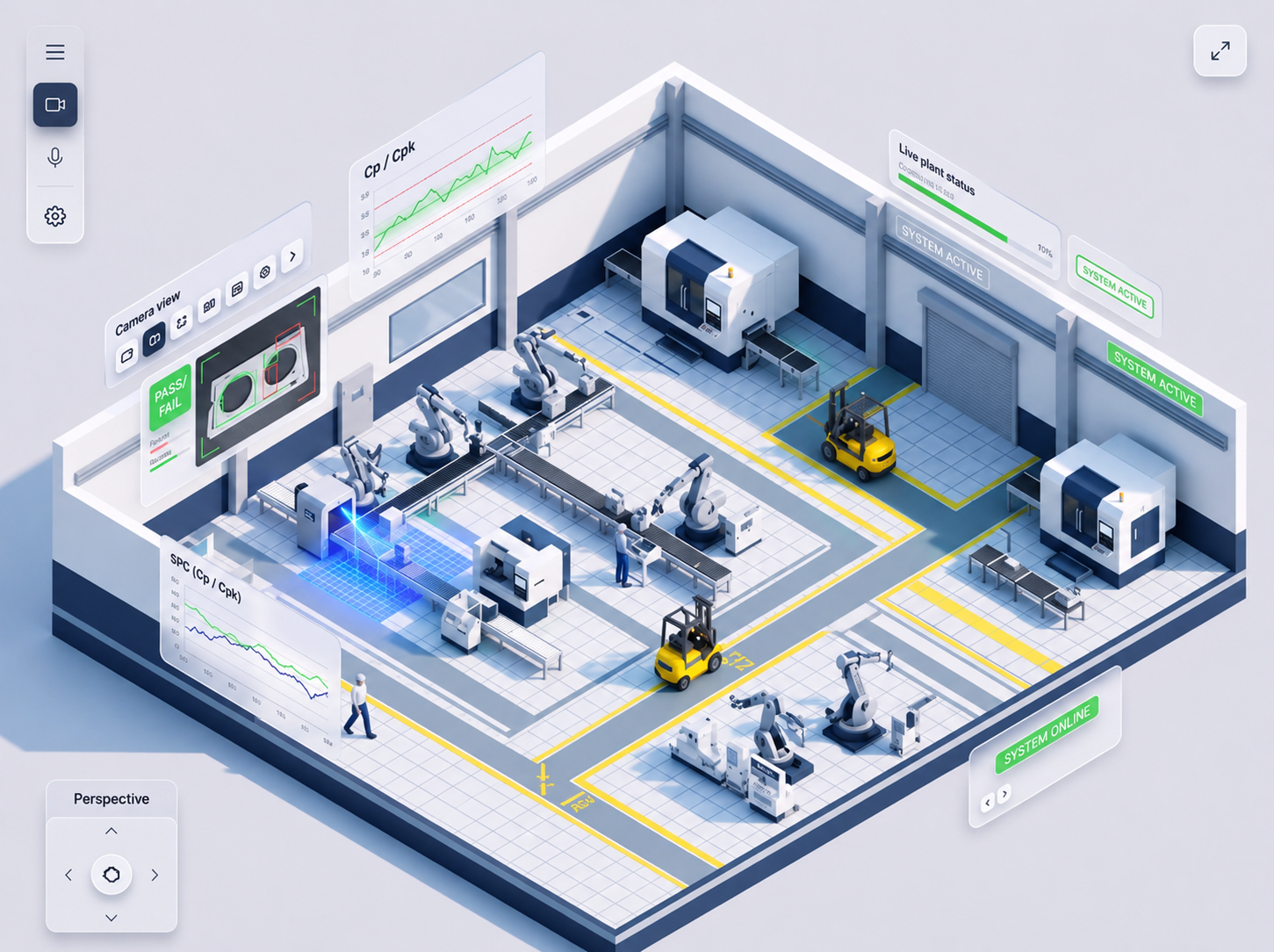
SoftDesigners' digital twin platform combines a realistic 3D factory environment with live industrial data and operational dashboards to provide a unified view of manufacturing operations.

What You Can Understand
✓
Physical Factory Conditions

Visualize machines, production lines and factory environments.

✓
Operational Performance

Monitor machine conditions, production performance and alarms.

✓
Connected Manufacturing Data

Bring energy, material movement and quality information together.

3D Visualization Digital factory representation
Industrial Connectivity Connected operational data
Operational Insights Unified manufacturing visibility
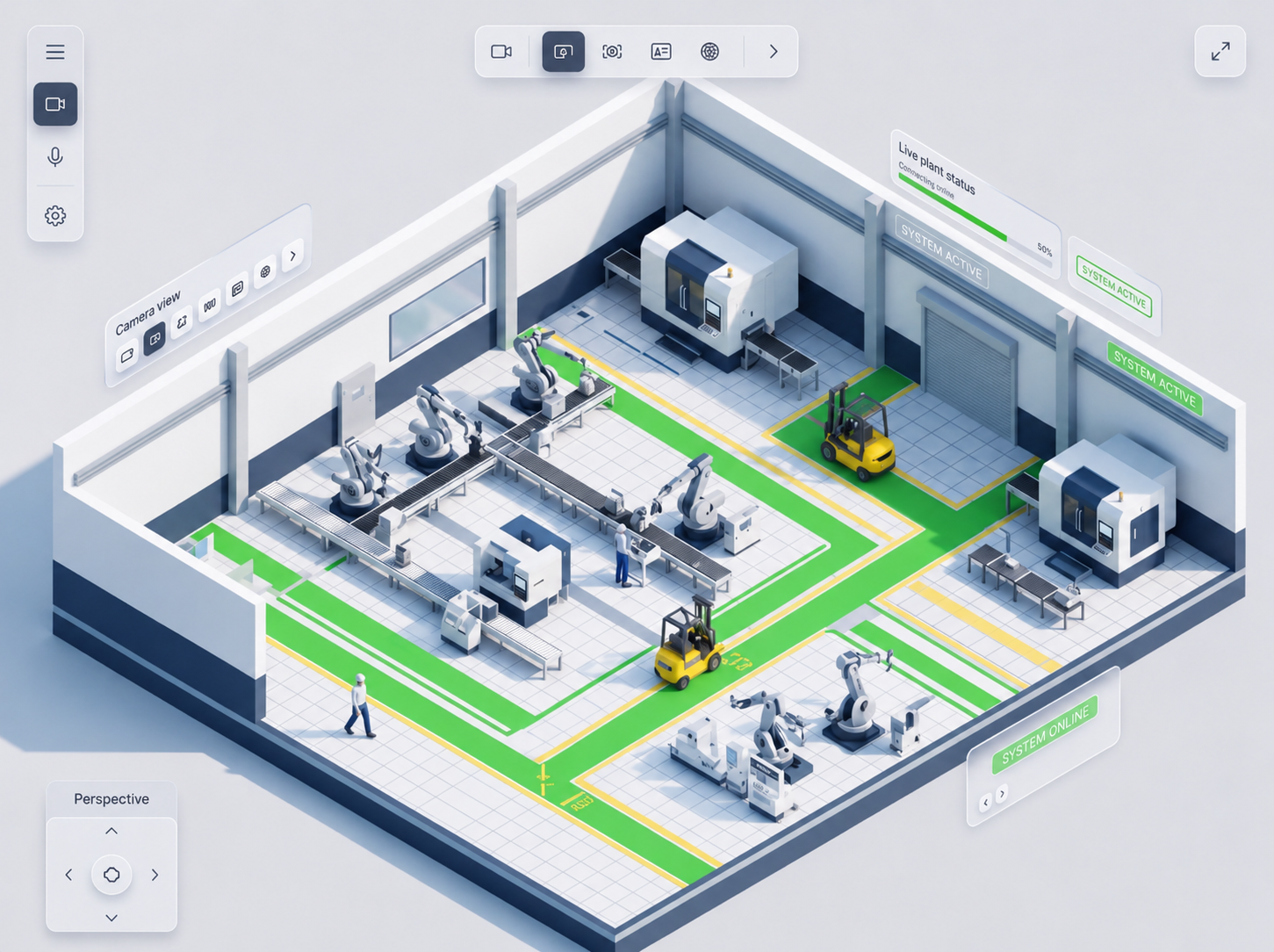
Live Industrial Equipment Visibility

Live Industrial Equipment Visibility

Connect physical machines and controllers to your digital twin using OPC UA communication and REST-enabled industrial gateways. Monitor equipment conditions and operational performance through real-time machine data.

Key Capabilities

  • Active, idle and stopped machine status
  • Equipment faults, alarms and warning thresholds
  • Live PLC tags, values and timestamps
  • Machine availability and downtime monitoring
  • Alarm acknowledgement and visual tower-light indicators
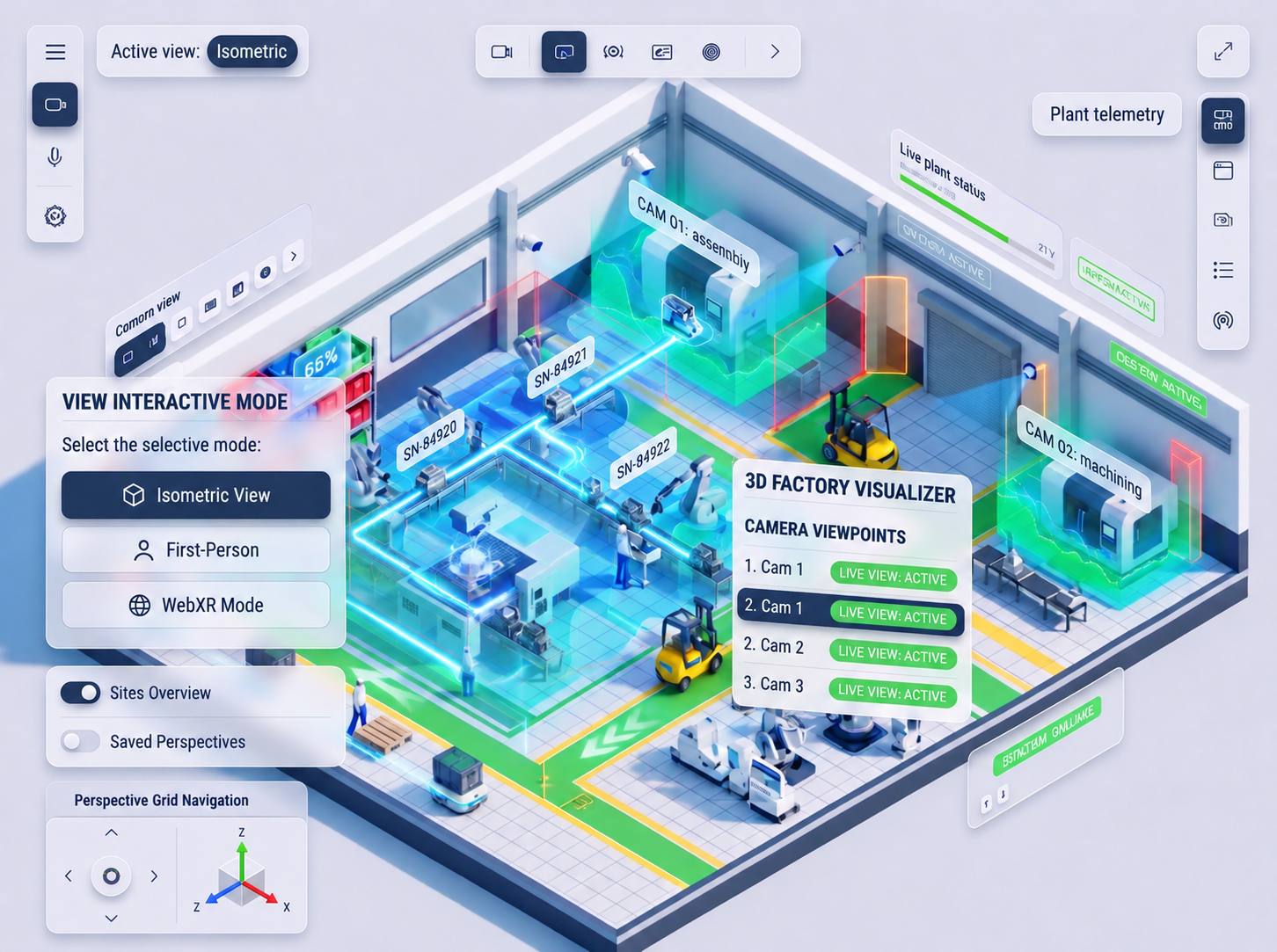
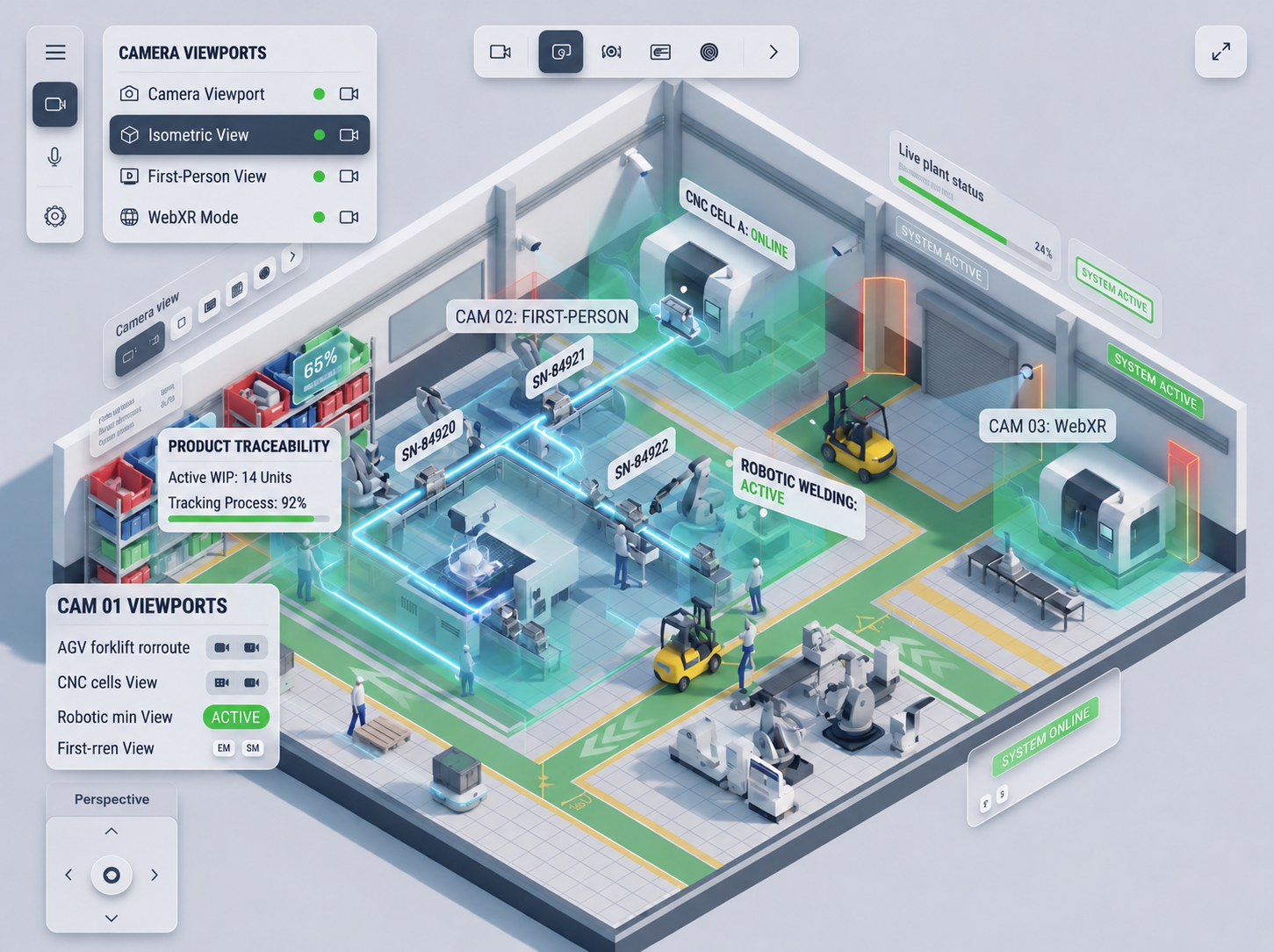
Interactive 3D Factory Visualization

Interactive 3D Factory Visualization

Transform your manufacturing facility into an interactive 3D digital factory. Explore production lines, machines, workstations, buildings, material routes and safety zones within a realistic virtual environment.

Key Capabilities

  • Interactive 3D factory and equipment layouts
  • Plan, front, isometric and first-person views
  • Live machine status and operational overlays
  • Forklift routes, walkways and evacuation paths
  • Camera perspectives and saved plant views
  • Virtual reality exploration through compatible WebXR devices
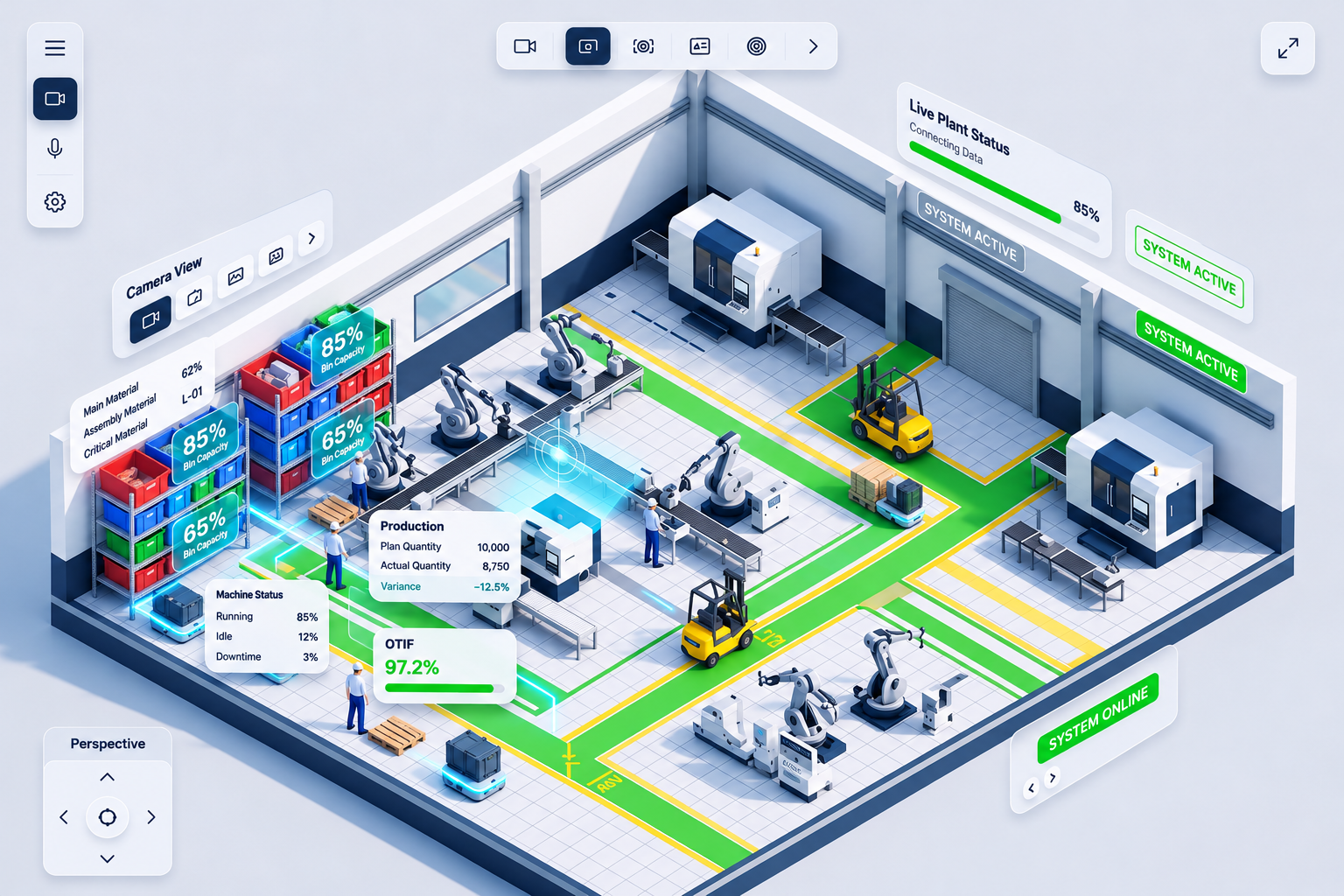
Production Monitoring and OEE Analysis

Production Monitoring and OEE Analysis

Connect manufacturing data to your digital twin to monitor production performance and understand how efficiently your factory operates.

Key Capabilities

  • Overall Equipment Effectiveness (OEE) monitoring
  • Availability, performance and quality indicators
  • Planned production targets versus actual output
  • Takt time and work-in-progress monitoring
  • Machine downtime and bottleneck identification
  • Shift-based KPIs and production heatmaps
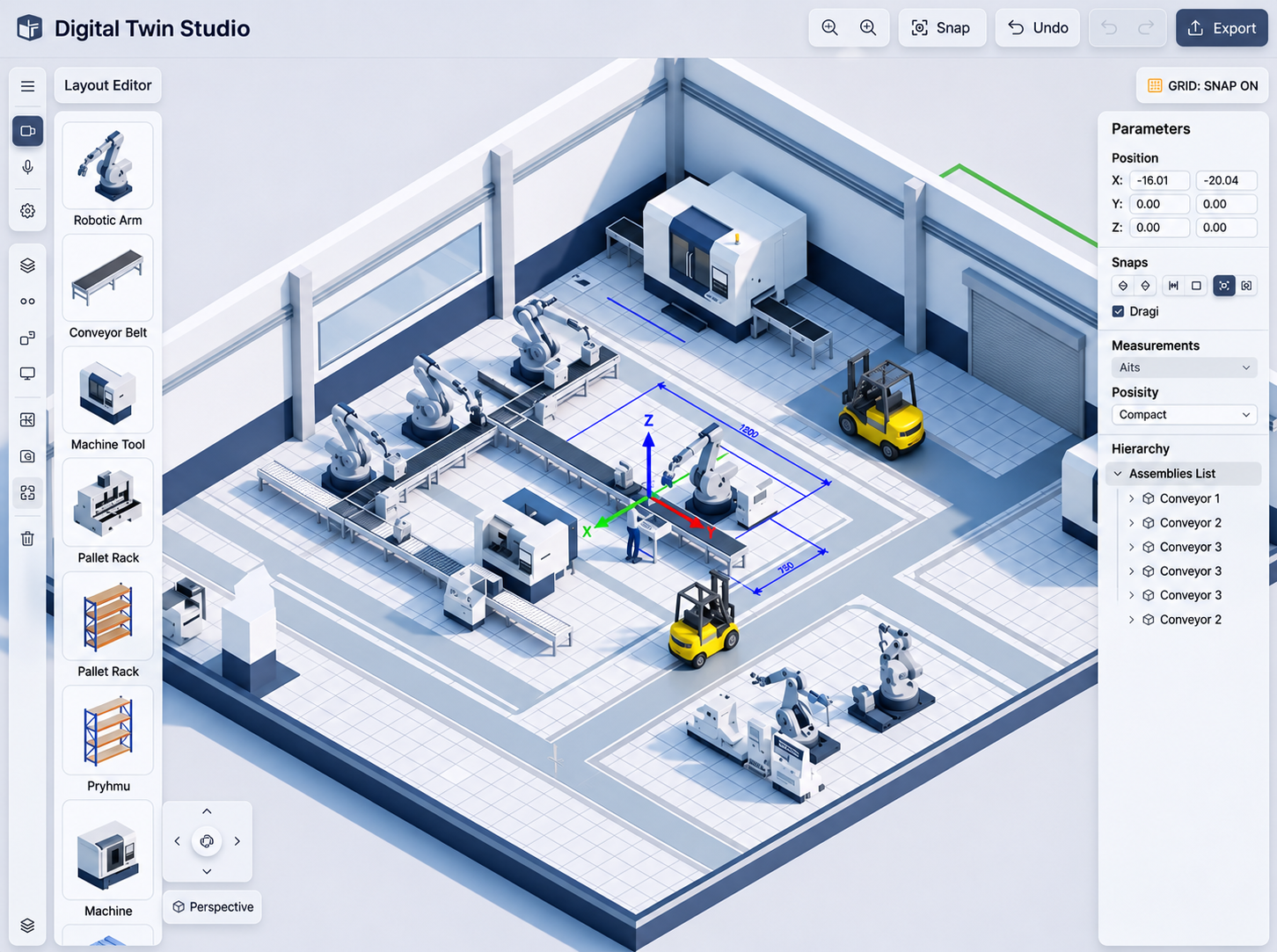
Digital Twin Layout Studio

Digital Twin Layout Studio

Build and manage digital factory layouts using a visual, code-free editing environment. Add equipment, position assets, define factory zones and modify plant layouts using drag-and-drop tools.

Key Capabilities

  • Equipment placement, rotation and resizing
  • Layout measurement, snapping, undo and redo
  • Import STEP, IGES, BREP and GLB assets
  • OpenUSD support including USD, USDA, USDC and USDZ
  • AI-assisted layout suggestions using natural-language descriptions
  • Version history and role-based editing permissions
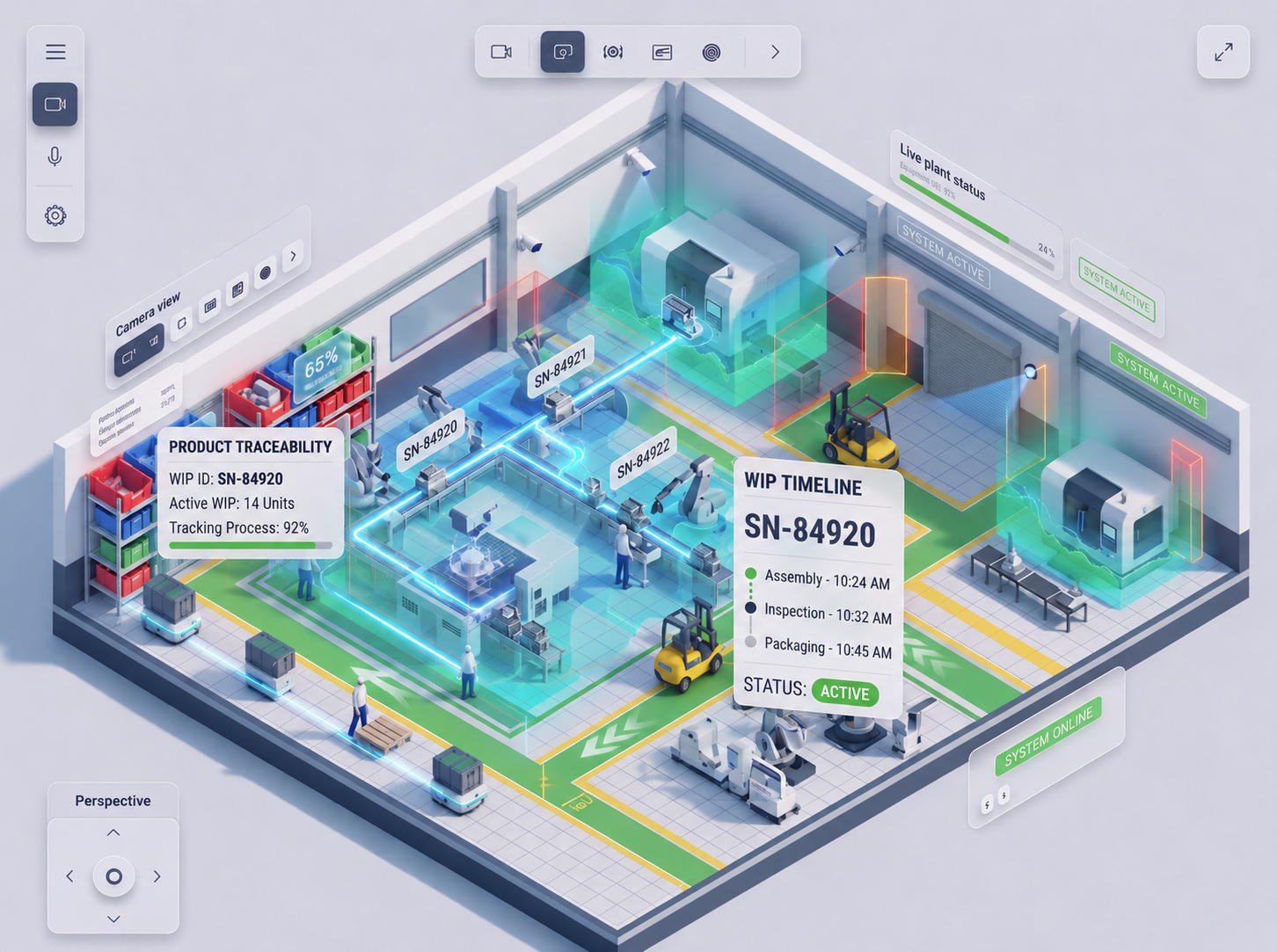
Work-in-Progress and Product Traceability

Work-in-Progress and Product Traceability

Track products throughout manufacturing operations using serial-number-based traceability and digital twin visualization. Connect production events with individual workstations to understand product movement and processing history.

Key Capabilities

  • Serial-number tracking across production stations
  • Unit-level manufacturing event history
  • Work-in-progress and material movement visualization
  • Lot and serial-number genealogy
  • Recall-list generation using recorded genealogy
  • Visual route guidance and supported MES/WMS integrations
Energy Monitoring and Sustainability

Energy Monitoring and Sustainability

Monitor energy consumption across factories, production lines and individual machines using connected meter readings or supported estimates.

Key Capabilities

  • Power consumption in kW and energy usage in kWh
  • Energy consumption per manufactured unit
  • Energy cost and peak-demand monitoring
  • Carbon dioxide emissions estimates
  • Energy performance against defined targets
  • 3D energy-load heatmaps
Quality Inspection and Process Monitoring

Quality Inspection and Process Monitoring

Connect quality inspection information with machines, production stations and manufacturing processes through your digital twin environment.

Key Capabilities

  • Camera-based inspection image visualization
  • Defect categorization and Pareto analysis
  • Statistical Process Control (SPC) run charts
  • Process capability indicators, including Cp and Cpk
  • Station-level quality monitoring
  • Visual identification of quality-related issues
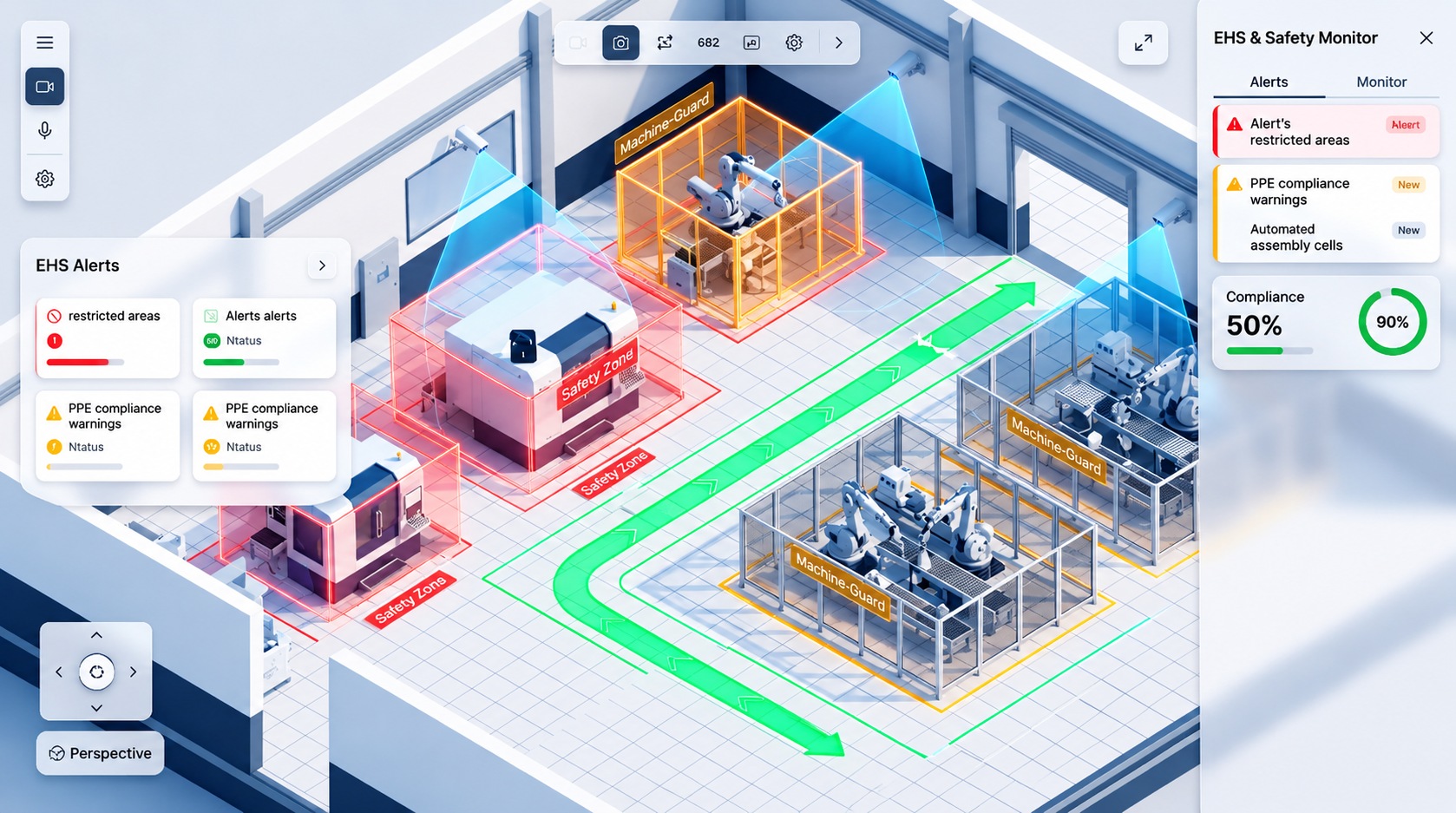
Integrated Safety and EHS Monitoring

Integrated Safety and EHS Monitoring

Bring workplace safety information into your digital twin to visualize operational risks and safety events across manufacturing facilities.

Key Capabilities

  • PPE violations and intrusion alerts
  • Machine-guard and emergency-stop events
  • Incident reporting and corrective-action tracking
  • Risk registers and emergency evacuation routes
  • CCTV camera locations and field-of-view visualization
  • Safety zones, barriers and restricted areas
  • Digital work instructions at production stations
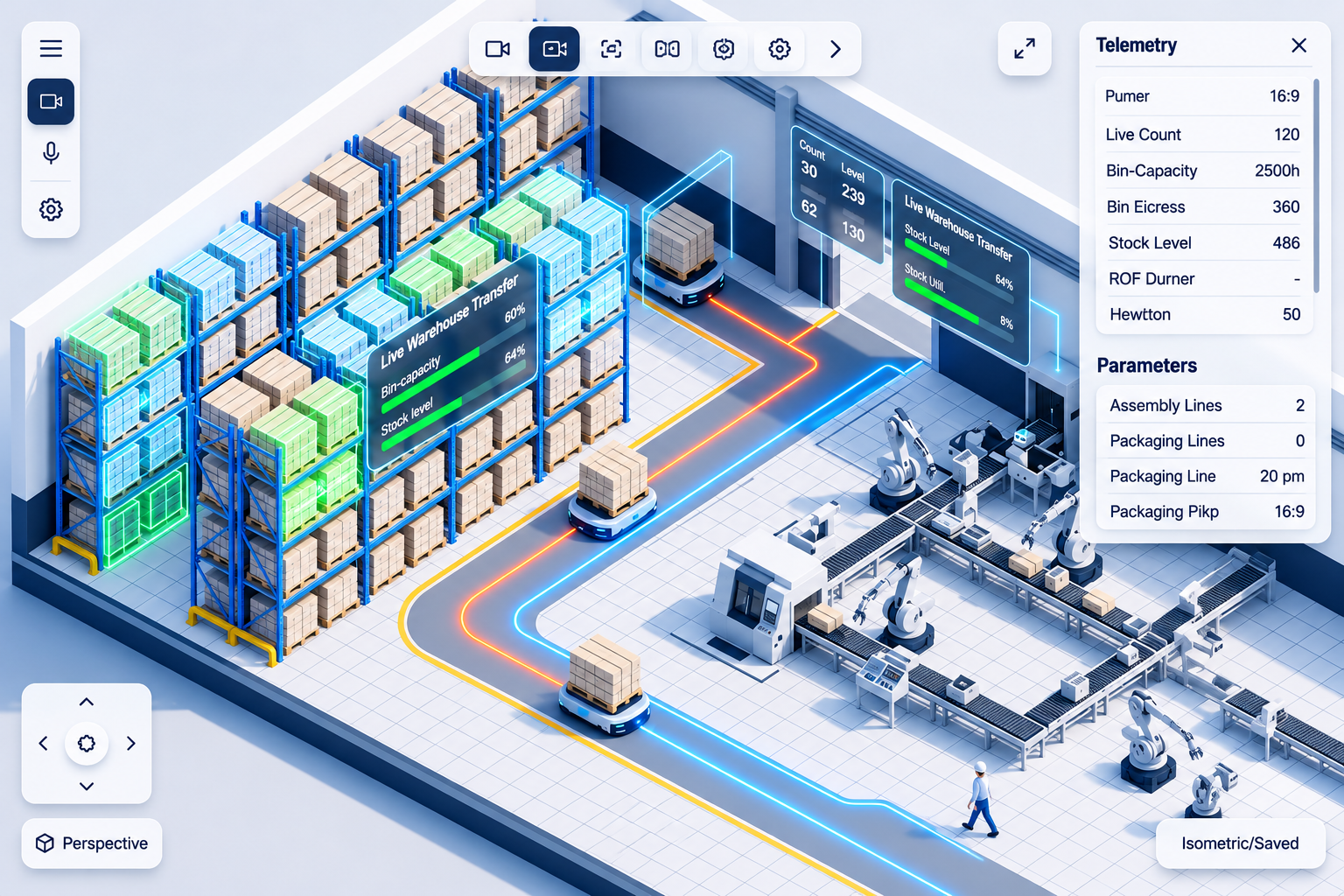
Material Flow and Inventory Visualization

Material Flow and Inventory Visualization

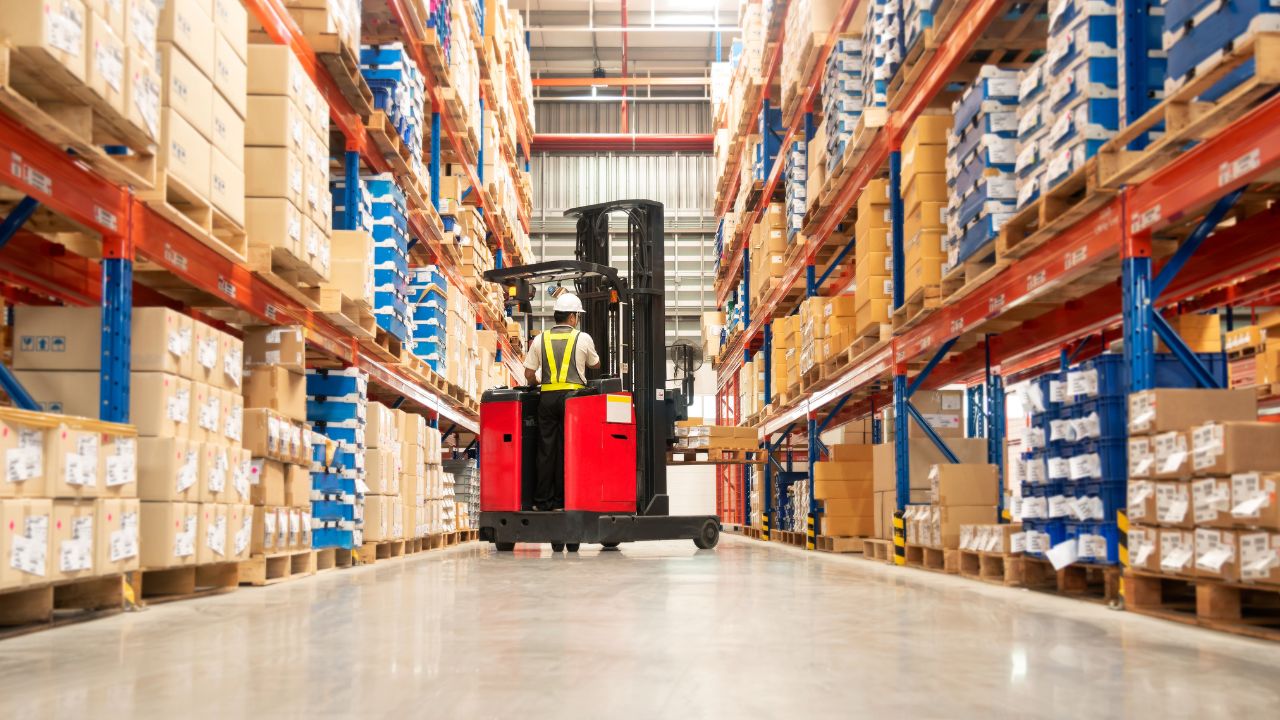
Visualize material movement across production areas and warehouses using a connected digital factory environment. Understand inventory locations, warehouse bins and work-in-progress movement.

Key Capabilities

  • Material location and movement visualization
  • Warehouse bin representation
  • Work-in-progress tracking
  • Lot and serial-number genealogy
  • Material movement paths
  • Inventory data import and export
AI-Assisted Factory Intelligence

AI-Assisted Factory Intelligence

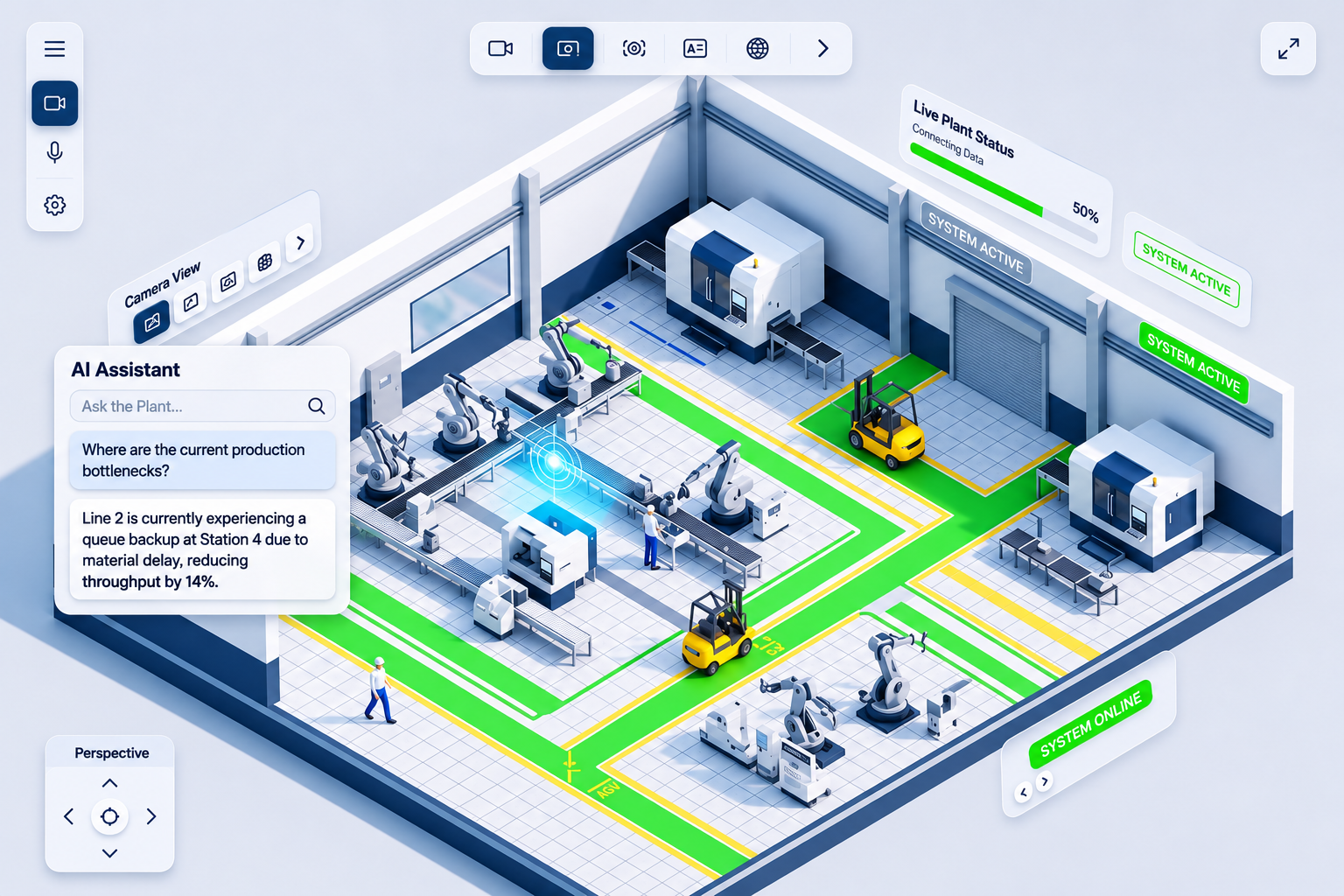
Explore factory information through natural-language questions using the Ask the Plant feature. Submit typed or spoken questions and receive responses based on available plant data and configured AI services.

Example Questions

  • Which machines are currently reporting faults?
  • Which production line has the lowest OEE?
  • Where are the current production bottlenecks?
  • Which stations have active alarms?
  • Which machines are exceeding energy targets?
THE SOFT DESIGNERS ADVANTAGE

Why Choose SoftDesigners Digital Twin Software?

SoftDesigners combines manufacturing software expertise with digital factory visualization, industrial data integration and operational monitoring. The platform is designed to bring factory layouts and machine data together with production, traceability, quality, energy and safety information.

Manufacturing-focused visualization:

Represent machines, production stations, factory areas and operational routes.

Live industrial connectivity:

Connect supported PLC and gateway data sources.

Code-free layout editing:

Update digital factory layouts through a visual editor.

Operational context:

View production KPIs, alarms and supported operational events within the 3D environment.

Traceability and work in progress:

Follow recorded product events through manufacturing stations.

Cross-functional visibility:

Bring production, quality, energy and EHS information into a connected view.

AI-assisted interaction:

Ask questions about available plant data through a configured natural-language interface.

Flexible integration:

Connect compatible industrial systems through supported protocols and APIs.

DIGITAL TWIN SOFT DESIGNERS
3D FactoryPlant visualization
ConnectivityPLC and gateways
Layout EditorVisual editing
ProductionOperational KPIs
TraceabilityProduct history
Quality & EHSConnected view
AI IntelligencePlant questions
IntegrationIndustrial systems
Global Safety Standards

Aligned With Global Safety Standards

Continuous compliance tracking meeting international standards across multiple regulatory jurisdictions.

🇺🇸

OSHA

United States
🇬🇧

HSE

United Kingdom
🇪🇺

EU Directives

European Union
🌐

ISO Standards

International
🇮🇳

BIS Standards

India

Our Trusted Clients

We’re proud to collaborate with industry leaders and innovative companies

Luminous Power Technologies Logo
Schneider Electric Logo
Grundfos Logo
Gabriel India Logo
Bühler Group Logo
Dynamatic Technologies Logo
Unominda Logo
Priya Cement Logo
Collins Aerospace Logo
DRDO Logo
ISRO Logo
Tata Steel Logo
Fine Automation Logo
Sintex Logo
PM Technologies Logo
Continental Logo
AES Logo
SLZ Tech Automation India Logo
Harita Fehrer Logo
IFB Automotive Logo
Track TraceIT Logo
ABB Logo
Steel Strips Wheels Limited Logo
Resil Chemicals Logo
Indiana Logo
READY TO TRANSFORM YOUR MANUFACTURING OPERATIONS?

See Your Factory Through Digital Twin Software

Move beyond static factory layouts and disconnected operational data. Connect your factory visualization, machine performance, production activities and operational insights in one digital environment. Discover how SoftDesigners Digital Twin Software can help you visualize factory operations, improve visibility and make smarter manufacturing decisions.

Frequently Asked Questions About Digital Twin Software

A manufacturing digital twin is a virtual representation of a physical machine, production line or factory that can be connected to operational data. It helps manufacturers visualize equipment, monitor performance and understand production conditions.
Digital twin software can connect to machines through PLCs, OPC UA servers, industrial gateways, REST APIs and other supported data interfaces. The available integration depends on the equipment and communication protocols.
Yes. When connected to compatible live data sources, a digital twin can display machine states, warnings, faults, PLC values and other configured signals. Update frequency depends on the source systems and integration architecture.
Yes. When the necessary production, downtime and quality data is available, the platform can display OEE and its availability, performance and quality components.
A visual layout editor can allow authorized users to add and arrange equipment, draw factory zones and import supported 3D models without manually programming the layout.
A connected digital twin can visualize serial-number movement and production events when unit-level traceability data is recorded and available. It can help locate work in progress and review product genealogy.
Yes, through supported integrations. Manufacturing safety signals, incident information, corrective actions, risk information and digital work instructions can be presented alongside factory layouts, depending on the configured systems.
No. A 3D factory model primarily represents physical spaces and equipment. A connected digital twin combines the virtual representation with live or periodically updated operational data, enabling monitoring and analysis.
A simulator or demonstration environment can display sample equipment, layouts and simulated values without connecting to physical machines. Live monitoring requires the relevant industrial data integrations.
Start by selecting a production line or factory area, preparing the layout and equipment inventory, identifying available machine data, and defining the required KPIs and integrations. Validate the data connections and visualization before expanding to additional production areas.