How Real-time Safety Tracking Software Is Reducing Accidents and Improving Compliance
In high-risk industries such as manufacturing, construction, oil and gas, mining, and logistics, workplace safety tracking software has always been a top priority. Yet many organizations still rely on traditional methods like paper forms, spreadsheets, and delayed reporting to manage hazards and regulatory requirements. These systems often leave safety teams reacting after incidents occur rather than preventing them in the first place.
Real-time safety tracking software is changing that reality. By delivering instant visibility into hazards, behaviors, and environmental conditions, modern digital platforms are helping organizations move from reactive safety programs to proactive risk prevention strategies. This shift is not only lowering injury rates but also strengthening regulatory compliance across complex operations.
The Challenge with Conventional Safety Management
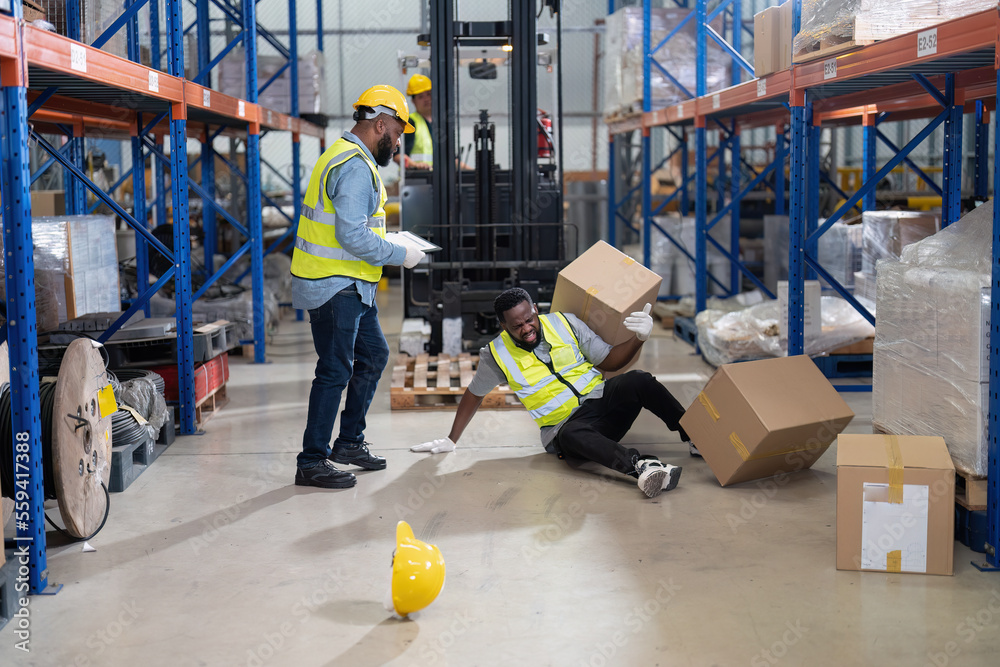
Legacy safety processes were designed for slower, more predictable operations. Inspections were carried out periodically, incident reports were compiled days later, and corrective actions were tracked manually. In fast-moving industrial environments, these delays create blind spots where hazards can persist unnoticed.
When data is scattered across paper files or disconnected systems, safety leaders struggle to understand what is happening on the ground in real time. Early warning signs such as repeated near-misses, unsafe behaviors, or deteriorating equipment can be overlooked until a serious incident forces attention. Compliance efforts also suffer because documentation is incomplete, inconsistent, or difficult to retrieve during audits.
What Real-time Safety Tracking Software Brings to Operations
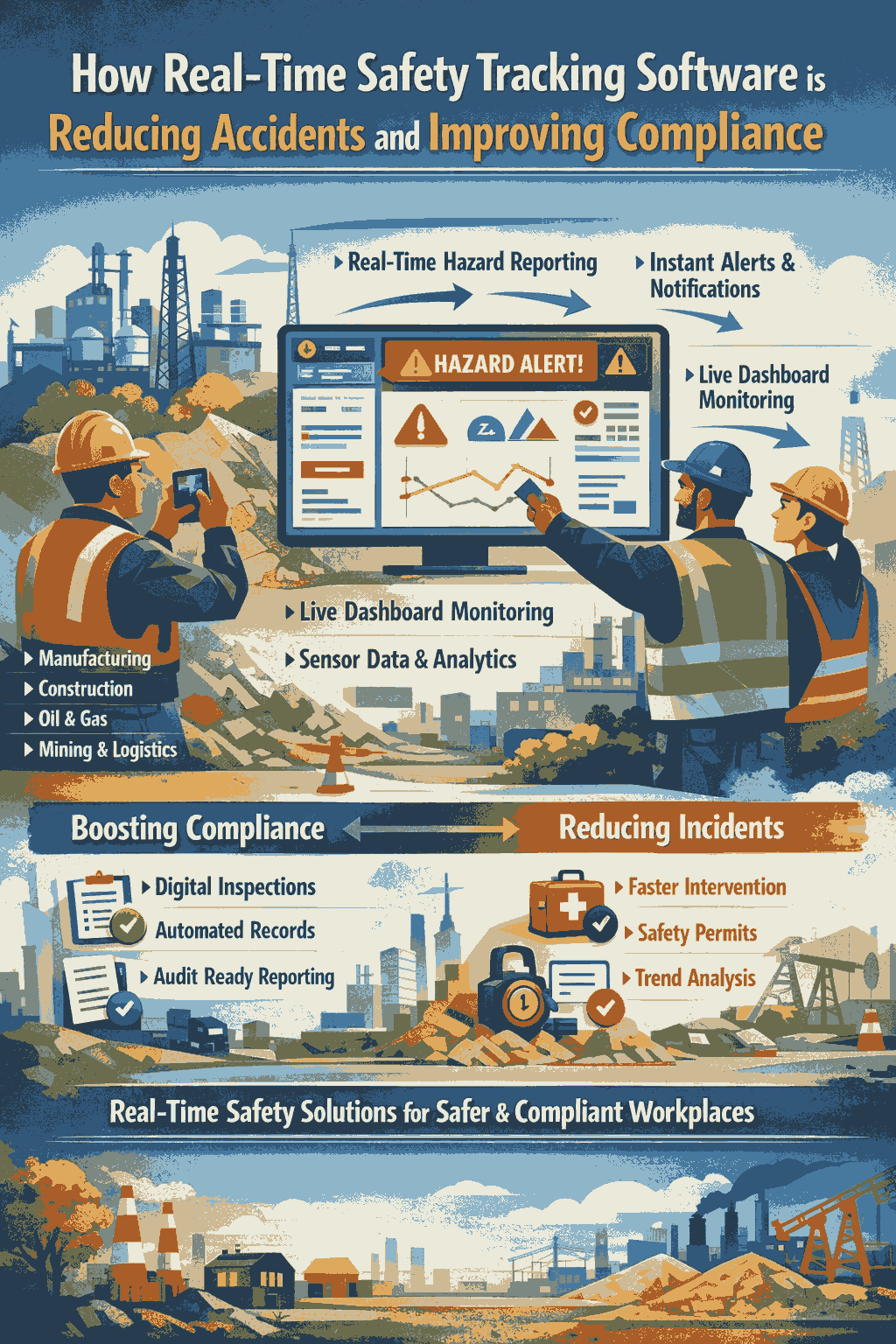
Real-time safety tracking software replaces fragmented processes with a unified digital environment that continuously captures and analyzes safety information. Field workers can report hazards through mobile devices, upload photos, and tag locations. Sensors can feed environmental data directly into dashboards, while supervisors monitor site conditions as they change.
Live visibility allows safety teams to respond immediately when unsafe situations arise. Instead of waiting for weekly reports, managers can intervene the moment risk levels increase. Over time, the system builds a rich dataset that reveals trends, recurring problem areas, and opportunities for preventive action.
Reducing Accidents Through Faster Intervention
One of the most powerful impacts of real-time systems is the speed at which hazards are addressed. When workers submit reports digitally, alerts reach supervisors and EHS teams instantly. Maintenance crews can be dispatched, work can be paused, and controls can be implemented before an injury occurs.
As more data is collected, organizations gain insight into patterns that were previously hidden. Certain tasks may consistently generate near misses, specific locations may experience repeated slips or trips, or particular machines may overheat under certain conditions. Analytics tools surface these trends so leaders can focus resources where risk is rising rather than spreading efforts thinly across the entire operation.
Automated notifications further strengthen prevention. If gas levels spike, noise exposure exceeds limits, or inspections are overdue, the system can send immediate warnings to the responsible teams. Escalation rules ensure unresolved hazards move up the chain of command until corrective action is taken, reducing the likelihood that critical issues fall through the cracks.
Digital control of high-risk activities also plays a major role in accident reduction. Tasks such as hot work, confined-space entry, or energy isolation require strict authorization and verification. Real-time permit systems ensure that hazards have been assessed, controls are in place, and approvals are complete before work begins. If site conditions change, permits can be suspended instantly, preventing work from continuing under unsafe circumstances.
Just as importantly, these platforms encourage frontline involvement. When employees see their reports lead to rapid action, they become more willing to speak up about near misses and unsafe conditions. This increased participation strengthens safety culture and shifts responsibility for risk reduction from a small group of specialists to the entire workforce.
Improving Compliance in a Digital Environment
Regulatory compliance depends heavily on accurate records, consistent inspections, and timely corrective actions. Real-time safety tracking software supports all three by automatically capturing time-stamped data, photos, approvals, and signatures. Instead of searching through filing cabinets or email threads during an audit, teams can retrieve documentation within seconds.
Mobile inspection tools standardize how audits are conducted across sites. Mandatory fields prevent incomplete submissions, while built-in guidance helps inspectors apply regulatory requirements correctly. Dashboards highlight overdue audits or unresolved findings, giving managers the visibility they need to address gaps before regulators identify them.
Corrective action management becomes far more disciplined in a digital system. Tasks are assigned to specific owners with clear deadlines, and automated reminders continue until issues are closed. Leadership can monitor progress in real time, ensuring that regulatory findings and internal audit observations are resolved promptly and documented properly.
For organizations operating across multiple locations, centralized oversight is another major advantage. Corporate EHS teams can compare performance between sites, monitor exposure levels, and ensure consistent application of company standards. This enterprise-wide visibility makes it easier to adapt to changing regulations and demonstrate compliance across diverse jurisdictions
Operational and Financial Benefits
The impact of real-time safety tracking extends beyond injury prevention and regulatory readiness. Fewer incidents mean lower medical costs, reduced downtime, and less disruption to production schedules. Improved visibility into contractor performance helps organizations manage third-party risk more effectively, while data-driven insights support smarter investments in training, equipment upgrades, and engineering controls.
Companies that adopt proactive safety technologies often experience stronger relationships with regulators, insurers, and customers. A reputation for disciplined risk management can become a competitive advantage, especially in industries where safety performance influences contract awards and long-term partnerships.
Making Real-time Safety Tracking Work
Successful implementation requires more than installing software. Organizations achieve the best results when they focus first on their highest-risk processes, involve frontline workers in training and adoption, and integrate safety data with maintenance and operations systems. Leadership engagement is critical, as dashboards and alerts should become part of daily decision-making rather than tools used only for monthly reports.
Over time, continuous review of data allows companies to refine thresholds, improve workflows, and expand digital controls to additional activities. This cycle of measurement and improvement turns safety management into a living process rather than a static compliance exercise.
Conclusion
Real-time safety tracking software is reshaping how industrial organizations manage risk and regulatory obligations. By replacing delayed reporting with live visibility, automated alerts, and predictive insights, these platforms help teams intervene earlier, prevent incidents, and maintain stronger compliance programs.
As operations grow more complex and expectations for safety performance rise, real-time digital systems are becoming an essential foundation for organizations committed to protecting their people and achieving sustainable operational excellence.